Quote it, get it approved, invoice it
Build an estimate from the job, send it for approval, and turn the finished work into an invoice without typing anything twice. VAT is worked out for you.
How garage invoicing works in Pistonlog
Invoicing in Pistonlog starts on the jobcard. You build an estimate from the work, parts and labour already recorded, send it to the customer for approval, and once the job is done you turn it into an invoice in one click. VAT is calculated as you go, and the invoice always matches the work on the job because both come from the same record.
Compare plans and message credit costs- The bill matches the job
- Parts and labour come off the jobcard, so nothing gets left off and nothing gets charged twice.
- Approval in writing
- Send the estimate, get a yes, and have a record of it if anyone questions the bill later.
- VAT handled for you
- Net, VAT and gross are worked out on every line so your figures add up at the end of the quarter.
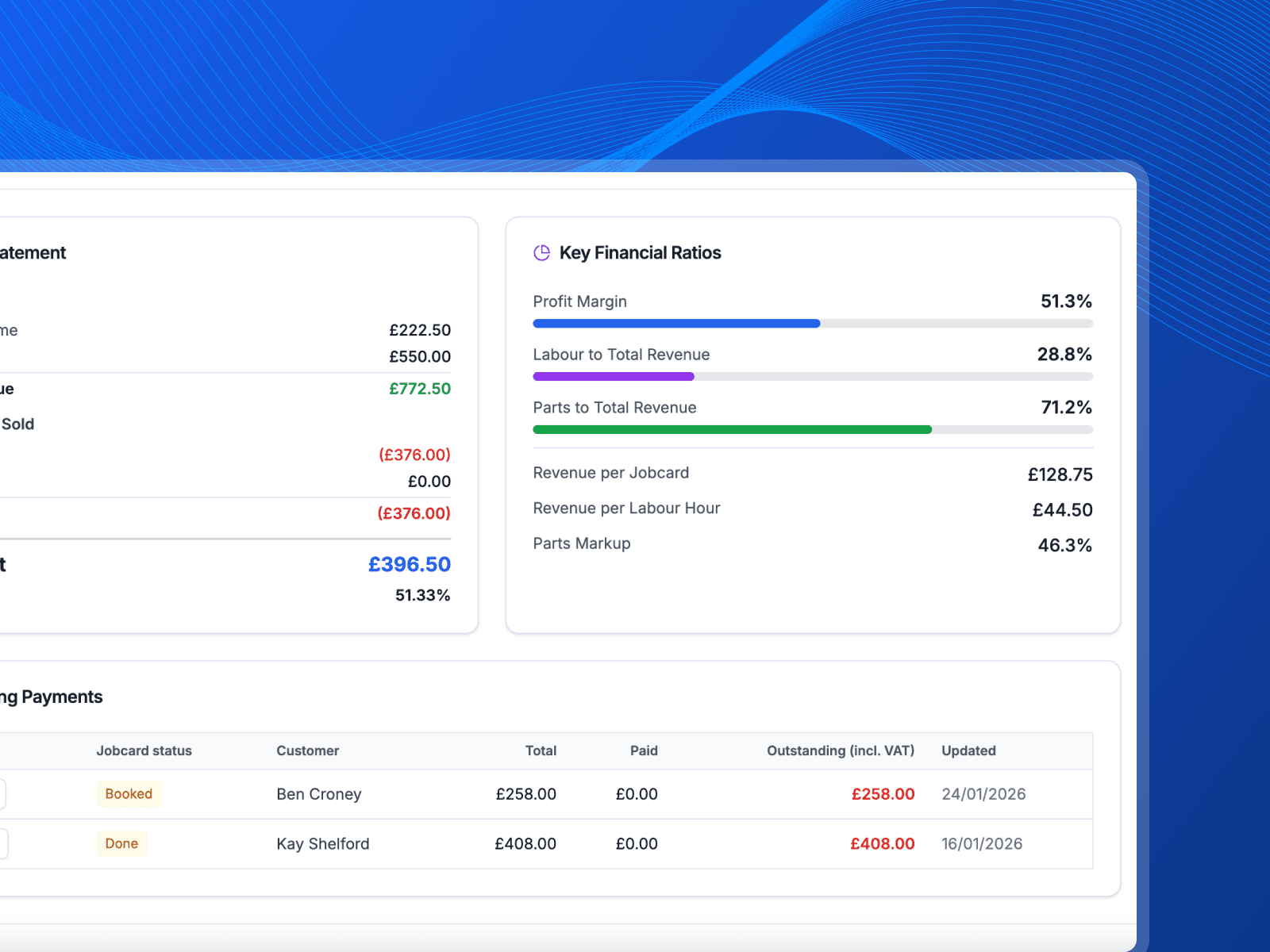
Building an estimate, getting it approved and raising the invoice.
From estimate to paid invoice
One record from the first quote to the finished bill.
Build the estimate from the job
The work is already on the jobcard, so the estimate builds itself from it. Add parts, set your labour rate and the totals update as you type.
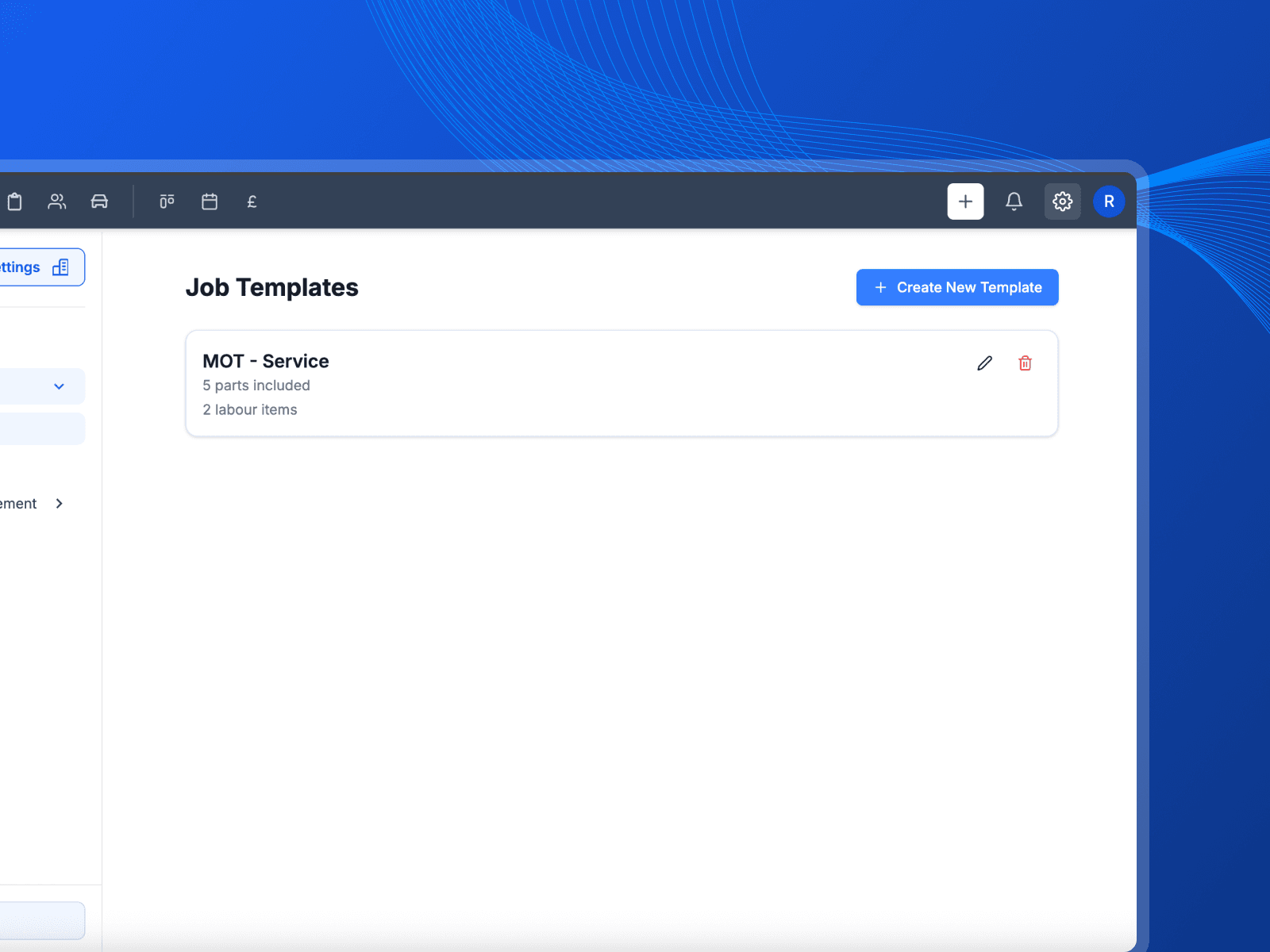
Send it and wait for a yes
Email the estimate to the customer and let them read it properly. When they approve, the work moves into the job rather than sitting in a separate quote somewhere.
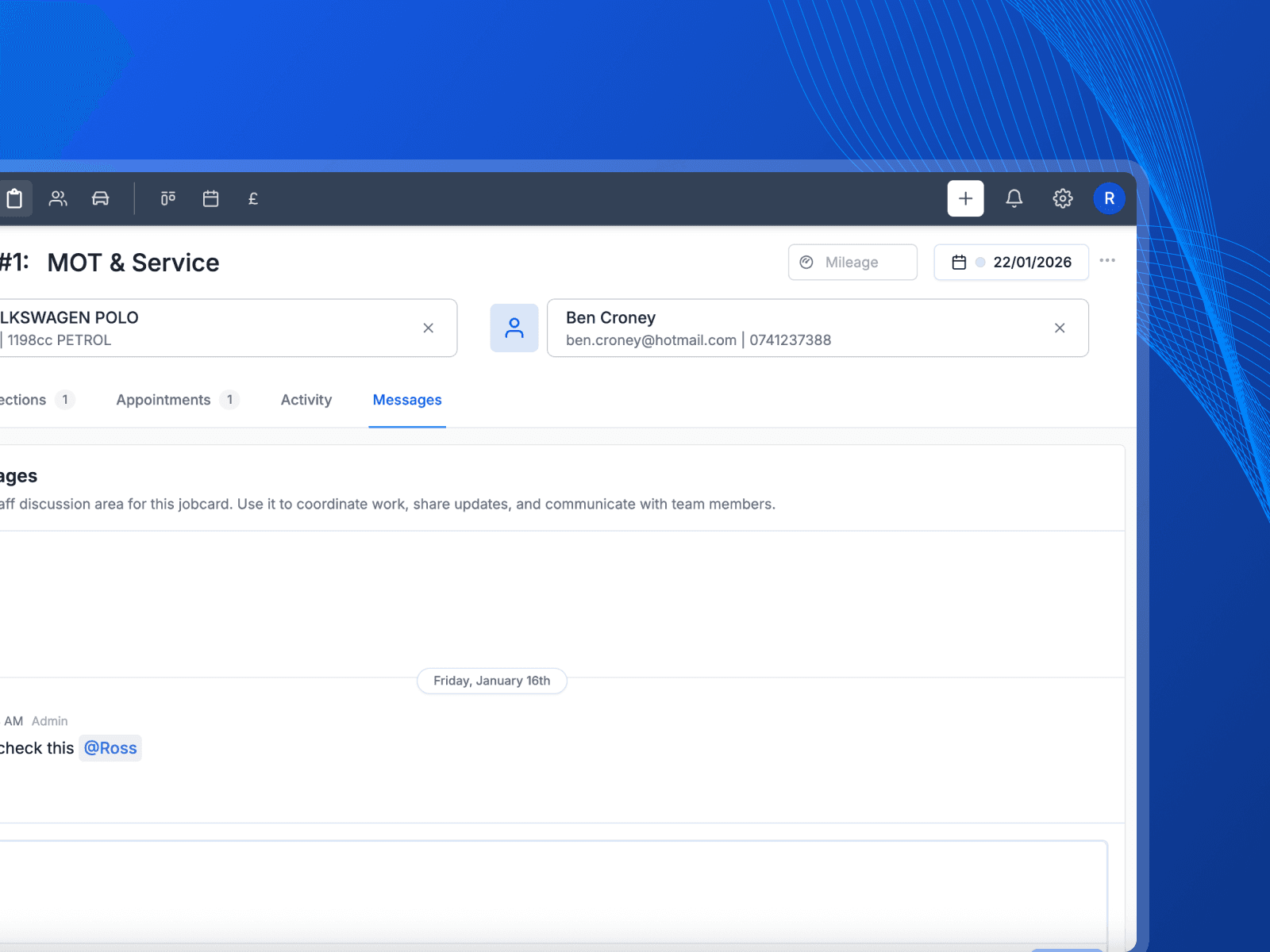
Turn the finished job into an invoice
When the work is done, raise the invoice from the jobcard in one click. Your logo, address and VAT number are already on it.
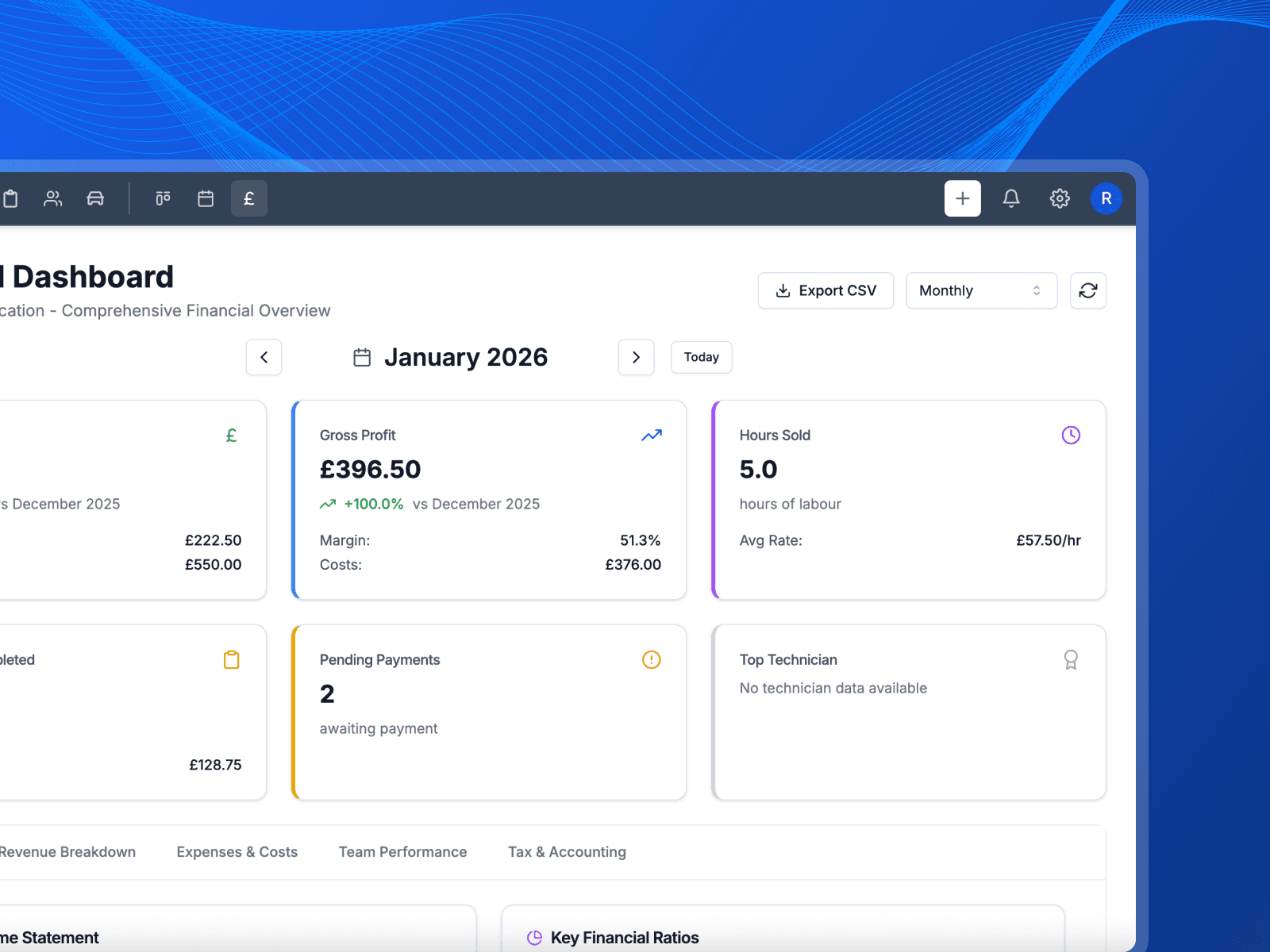
See what is still owed
Every invoice shows where it stands, so you know what is a draft, what has gone out and what is still outstanding without digging through a folder.
Get paid sooner, with less arguing
The job is done and the money is still sat out there somewhere. Here is what changes when the bill writes itself off the jobcard.
- The invoice goes out same day
- It builds itself from the work you already logged, so it goes out while the customer is still stood at the desk rather than on Sunday night.
- They agreed the price already
- The estimate they approved turns into the invoice. Nobody is reading a number they have not seen before, so nobody is arguing about it.
- Nothing falls off the bill
- Parts and labour go on as the job happens. The half hour you spent chasing a seized bolt is on there, because you put it on there at the time.
What you get with invoicing
The detail behind the feature, without the sales talk.
Invoice from the jobcard
Raise an invoice from finished work instead of retyping it into another system.
Pro forma invoices
Send a draft as a pro forma when the customer needs the figure before the work starts.
UK VAT worked out
Net, VAT and gross on every line, so the totals hold up when your accountant looks at them.
Email it straight out
Send the invoice to the customer from Pistonlog with your garage branding on it.
A record of who issued it
Every invoice records who raised it and when, so there is never a question about where a number came from.
Exports for the accountant
Pull your sales VAT figures out as a file rather than adding invoices up by hand.
Works with
These are the parts of Pistonlog this one works closest with.
Estimates & Invoicing questions
The things garage owners ask before they switch.
Can I invoice straight from a job card?
Does Pistonlog handle UK VAT?
What is a pro forma invoice?
Can customers approve an estimate before work starts?
See it working in your own garage
Set up an account and try it on a real job. No long contract, and you can cancel whenever you like.