Plan the week, then fill it again on its own
Book jobs into a calendar the whole team can see, and let MOT and service reminders go out in the background so customers come back without anyone chasing them.
How scheduling and reminders work in Pistonlog
Pistonlog gives you a shared calendar for booking work in and an automatic reminder system for bringing customers back. Jobs booked onto the calendar appear on the workshop board and on the technician's day. Separately, MOT and service reminders are sent out on a schedule from the dates held on each vehicle, so repeat work is generated without anyone sitting down to make phone calls.
Compare plans and message credit costs- One diary, not four
- Everyone books into the same calendar, so two cars never turn up for the same ramp.
- Repeat work without chasing
- MOT and service reminders go out in the background and bring customers back on their own.
- A clear day for each technician
- Work is assigned ahead of time, so the morning starts with the job rather than a conversation about it.
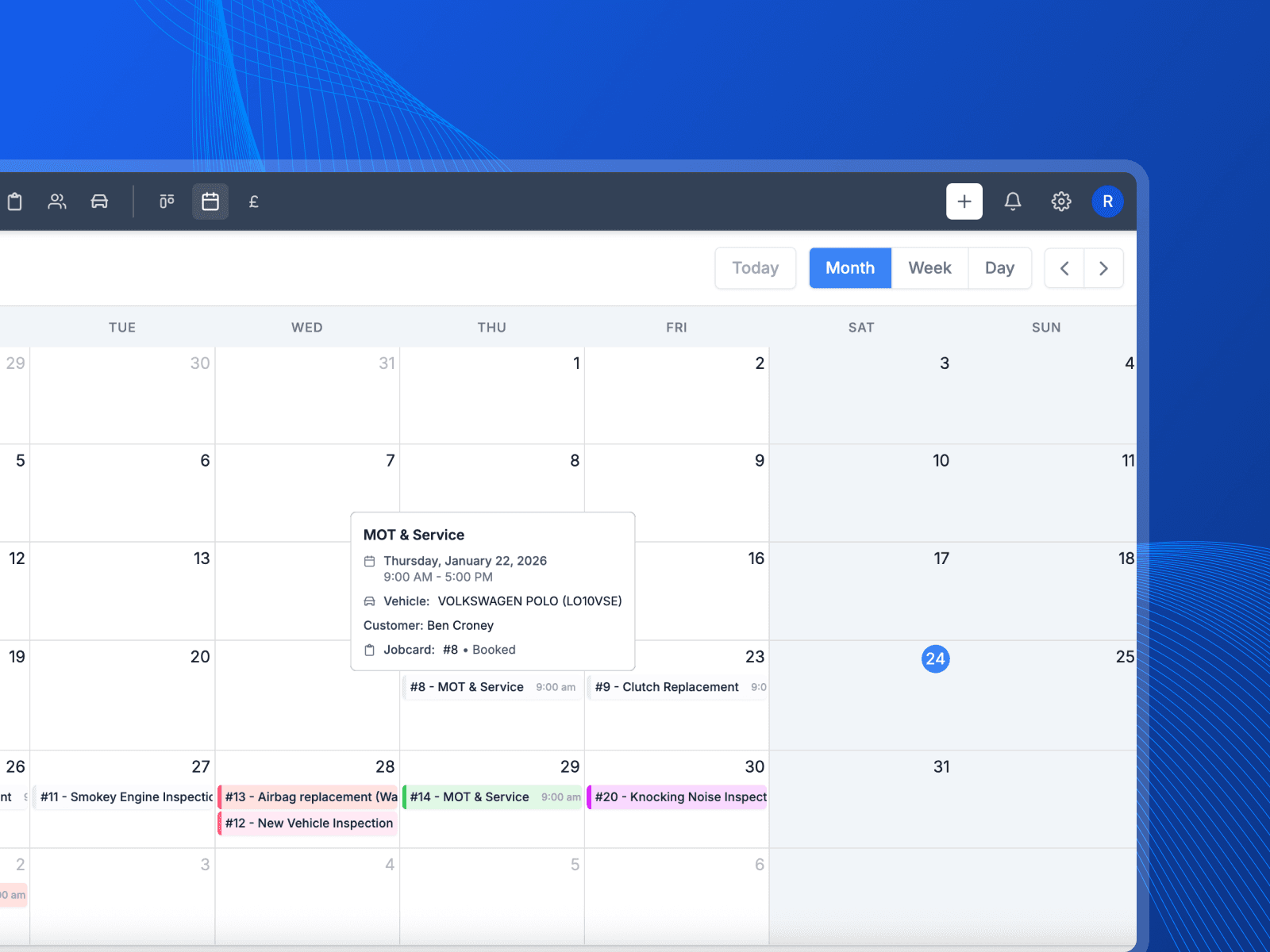
Booking work into the calendar and setting reminders running.
How the week gets planned
Book it in, hand it out, and let the follow-up run itself.
Book the job into the week
Put the job on the calendar and everyone sees it. You can tell at a glance how full Thursday is before you promise it to somebody on the phone.
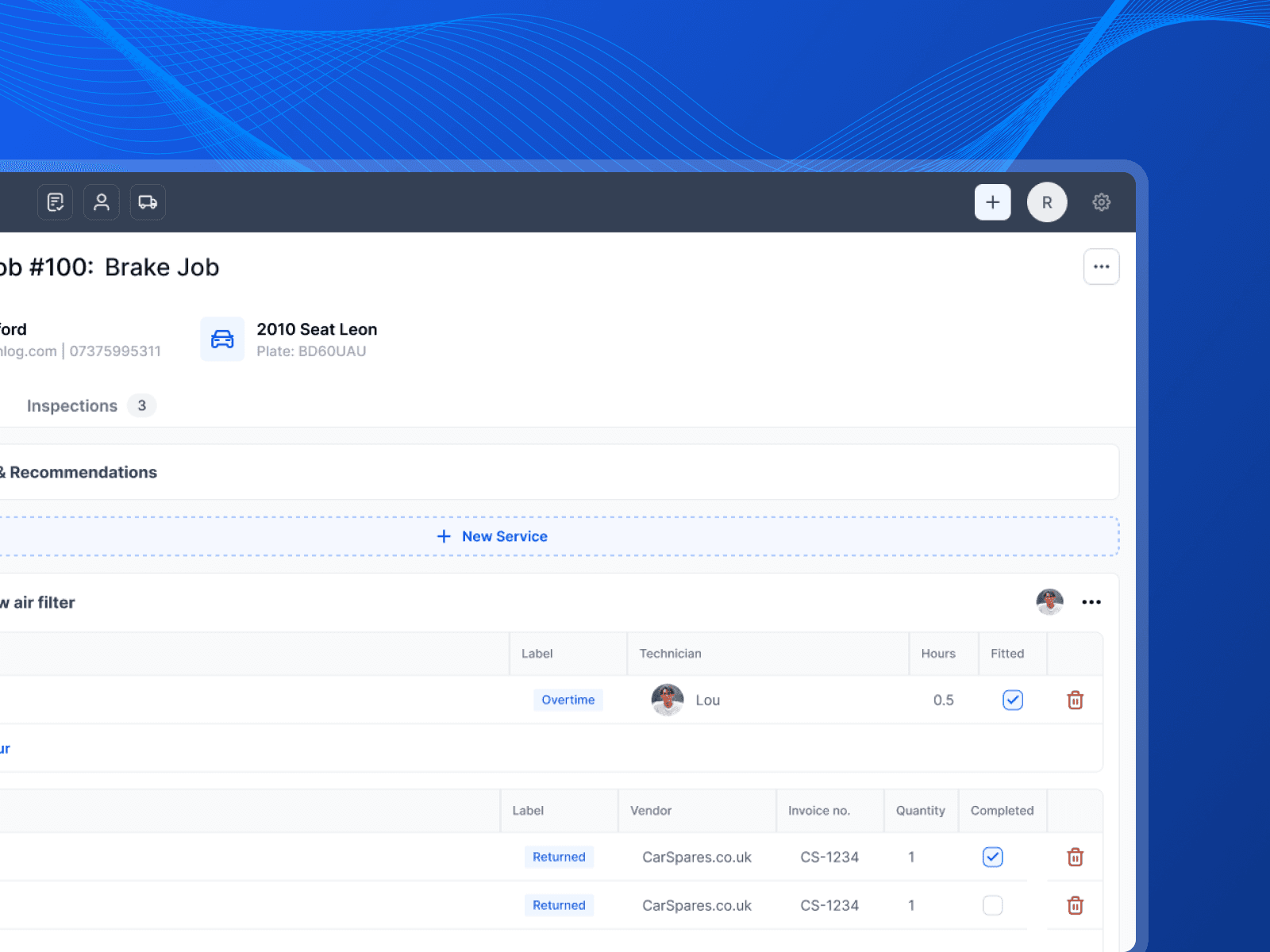
Give the work to a technician
Assign each job to the person doing it. They see their own day, so the first ten minutes of the morning are spent on a car rather than working out what to start.
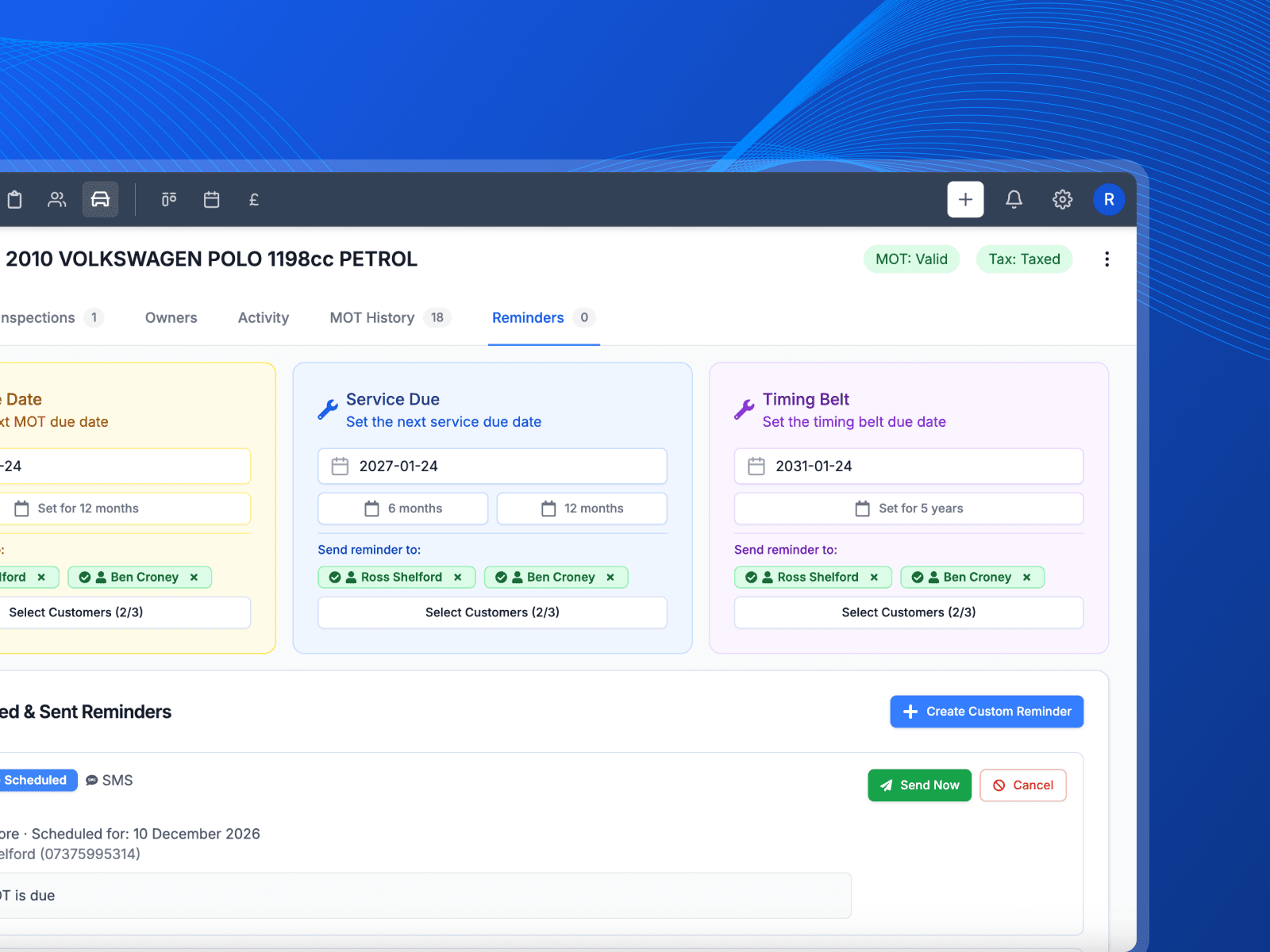
Reminders send themselves
MOT and service dates sit on each vehicle. When one is coming up, the reminder goes out on its own. Nobody has to keep a spreadsheet of who is due.
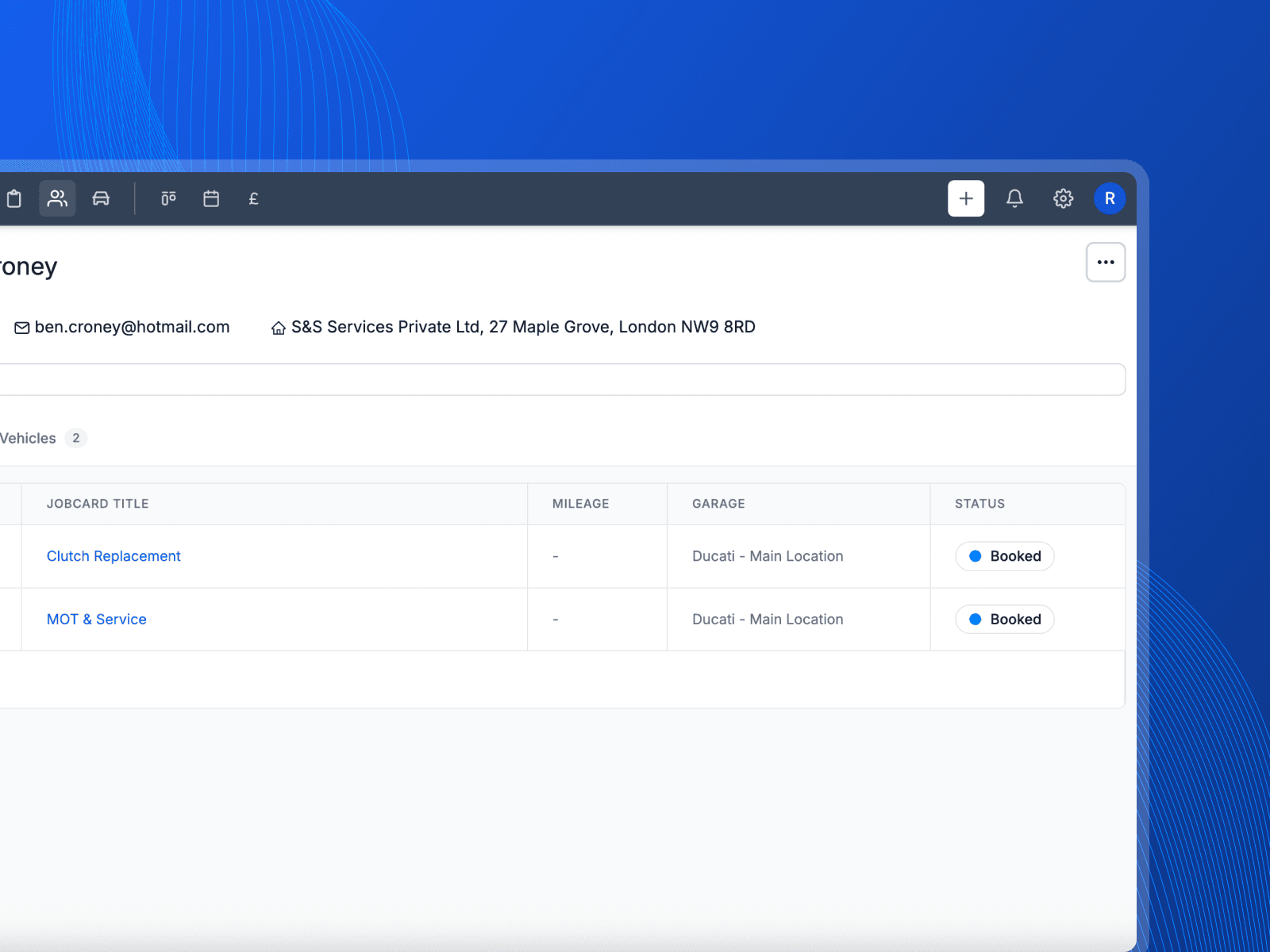
The customer books back in
The reminder brings the car back through the door and the booking goes straight onto the calendar, ready to start the whole loop again.
Fill next week without picking up the phone
The work is already out there in your own customer list. Here is what changes when the reminders go out on their own.
- Reminders do the reminding
- A text a few days before the booking, sent whether or not anyone remembered to send it. An empty ramp costs you the whole slot.
- Next year is already in the diary
- The MOT that is due in eleven months does not depend on the customer remembering. It comes back round to you on its own.
- Quiet weeks fill themselves
- Services and MOTs coming due are work you have already earned. Getting them booked in is the difference between a quiet January and a normal one.
What you get with scheduling and reminders
The detail behind the feature, without the sales talk.
Shared calendar
One place the whole team books work into, so the week is never a guess.
Automatic MOT reminders
Reminders go out from the MOT date held on the vehicle, without anyone starting them.
Service reminders
Bring customers back for a service on the schedule you set for that vehicle.
Technician day view
Each technician sees the jobs that are theirs, in the order they are booked.
Appointment reminders
Remind the customer the day before so fewer bookings turn into empty ramps.
Google review requests
Ask for a review by text after a good job, while the customer still remembers it.
Works with
These are the parts of Pistonlog this one works closest with.
Scheduling & Reminders questions
The things garage owners ask before they switch.
Does Pistonlog send MOT reminders automatically?
Can the whole team see the same calendar?
Can I assign a booking to a specific technician?
Will reminders reduce no-shows?
See it working in your own garage
Set up an account and try it on a real job. No long contract, and you can cancel whenever you like.