Give everyone the right amount of access
Set what each person can see and do, run more than one garage under one company, and keep a record of who changed what. Unlimited users on every plan.
How roles and permissions work in Pistonlog
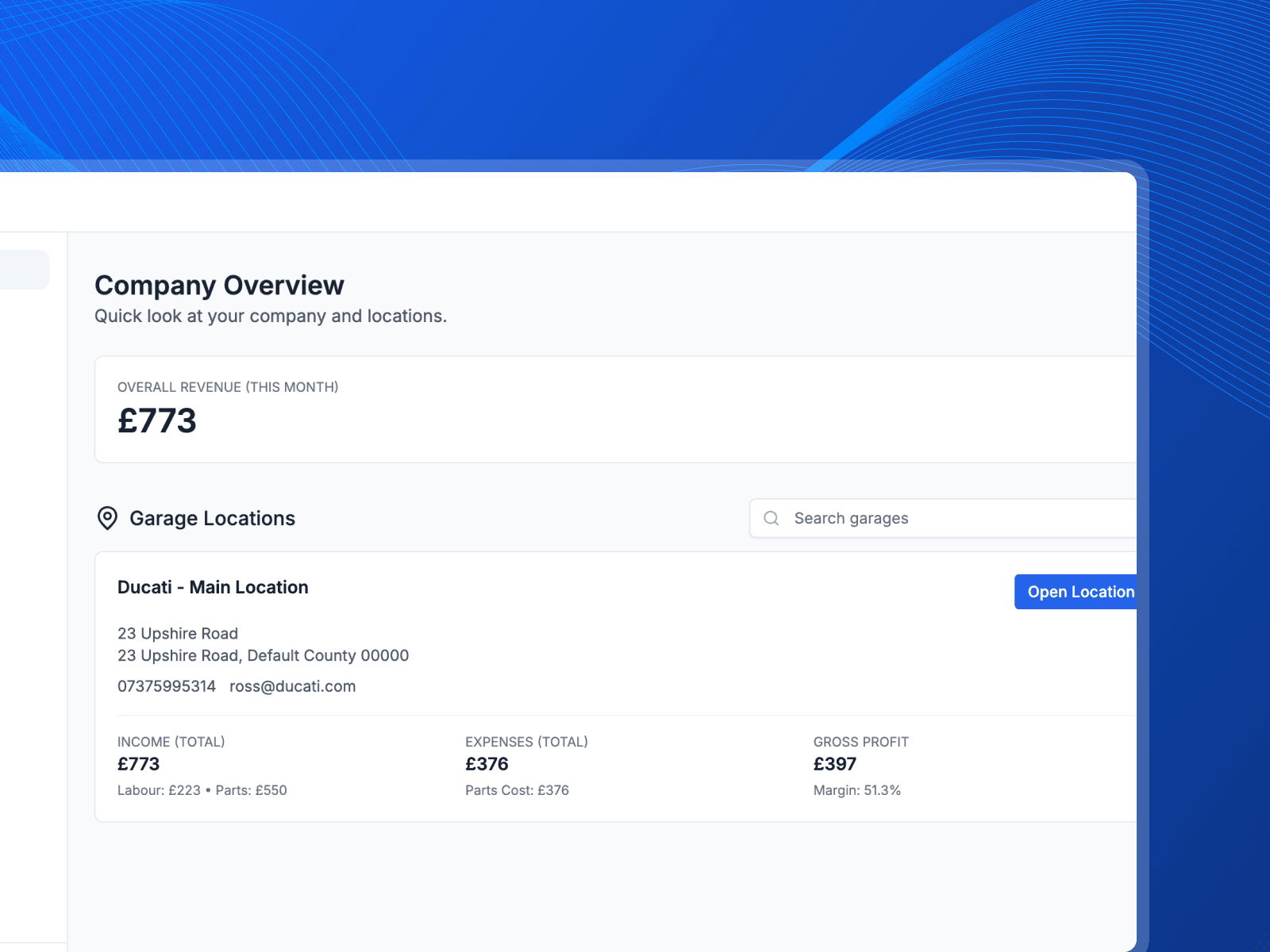
Pistonlog is built around a company that owns one or more garages, each with its own team. Roles decide what a person can see and do, so a technician gets the work and the vehicle without the customer's contact details or the money side. Owners and managers can look across every garage, and changes to roles and permissions are recorded so there is always a trail.
Compare plans and message credit costs- People see what they need
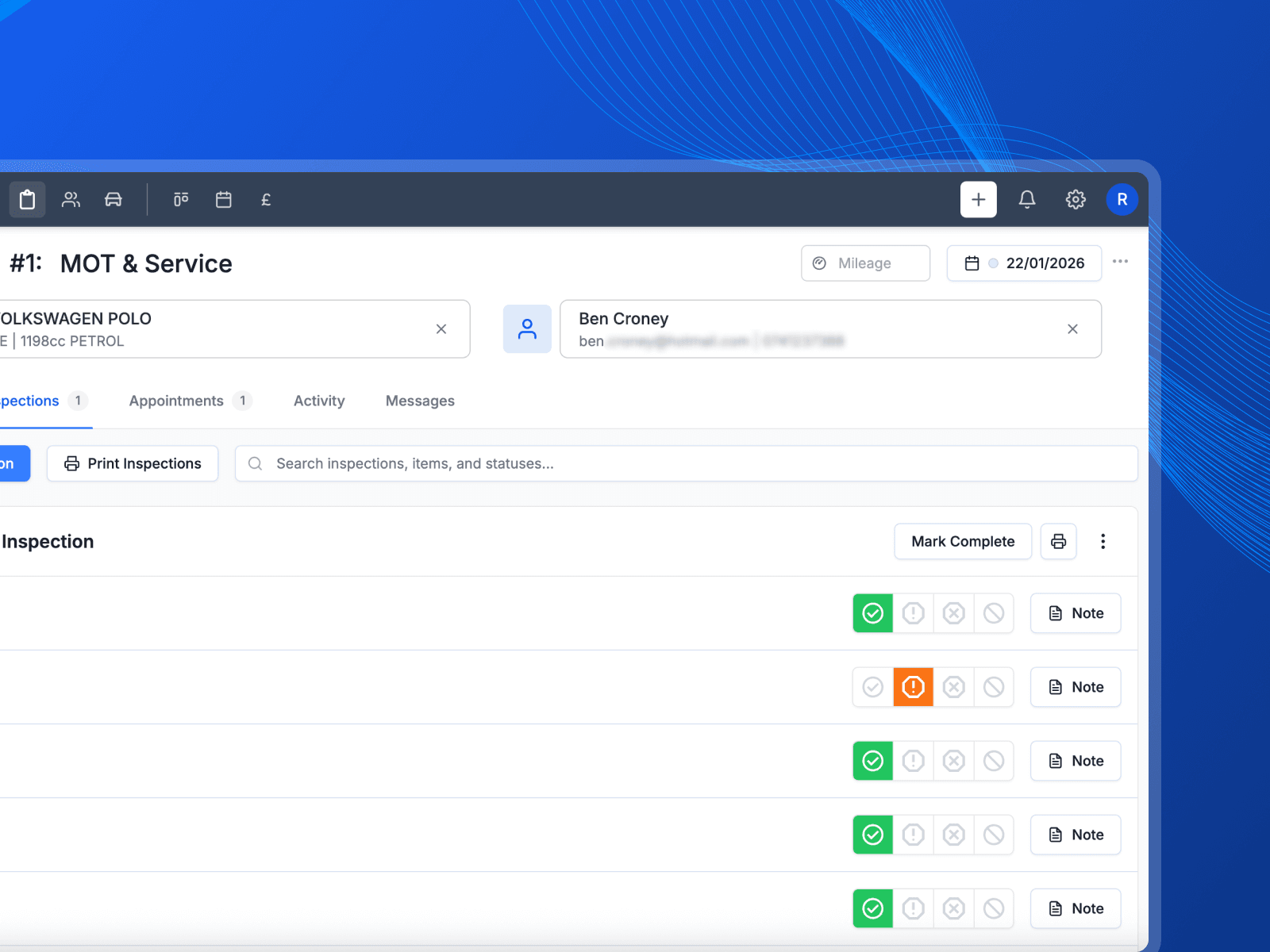
- A technician gets the car and the work. Pricing and customer details stay with the front desk.
- More than one garage
- Each site runs as its own workspace, with one view across all of them for the people who need it.
- Unlimited users
- Add the whole team without watching a per-seat bill climb every time you take somebody on.
Setting up roles, adding a second garage and checking the audit trail.
How access is set up
Four decisions that keep the right information in the right hands.
Start from a role that fits
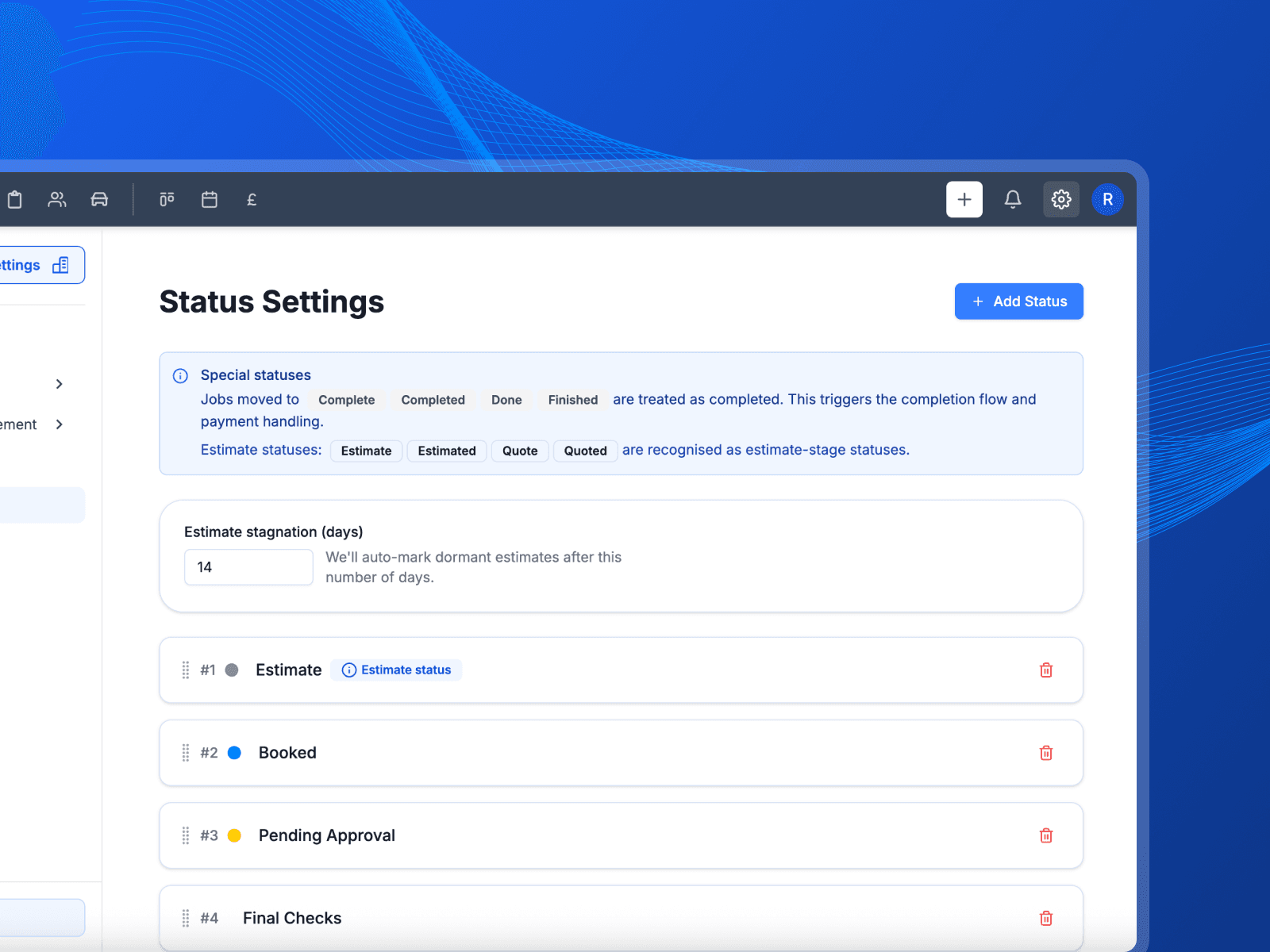
Owner, manager, reception and technician cover most garages out of the box. Adjust what each one can do rather than building permissions from nothing.
Keep customer details off the floor
The workshop copy of a job shows the reg, the vehicle, the work and the booked date. The customer's name, address and phone number are deliberately left off it.
Run more than one garage
Each garage is its own workspace with its own jobs, customers and team. Owners get a view across all of them without logging in and out.
See who changed what
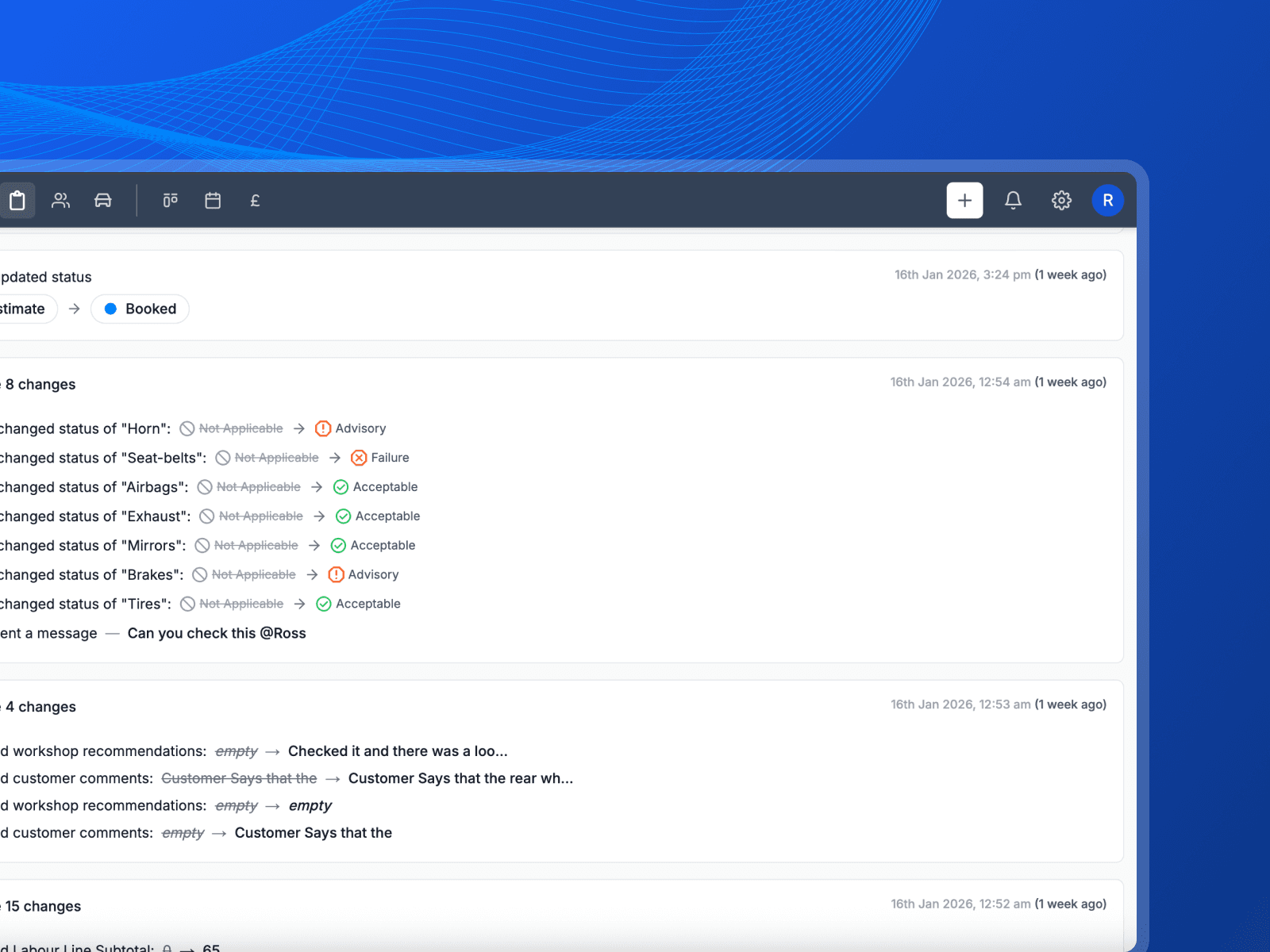
Changes to roles and permissions are recorded. If access changes, you can see who changed it and when, instead of guessing.
Let the team get on with it
You cannot be the one who looks everything up. Here is what changes when everyone can see their own work and nothing else.
- Everyone sees their own job
- The technician gets the vehicle and the work. What the customer paid and what the parts cost stays where it belongs.
- They stop coming to you
- Reception can book, quote and invoice without waiting on you to unlock something. That is your morning back.
- Add a garage, not a system
- A second site runs under the same company with its own team and its own jobs. Nothing gets rebuilt from scratch.
What you get with team management
The detail behind the feature, without the sales talk.
Roles out of the box
Owner, manager, reception and technician, ready to use and easy to adjust.
Permissions per feature
Decide feature by feature what a role can see and do across the app.
Company and garage levels
One company can own several garages, each with its own team and its own work.
Unlimited users
Every plan includes the whole team, so growing does not cost you more per person.
Invite by email
Send an invite and the new starter sets themselves up with the right role already applied.
Role change history
A record of permission changes, so access is something you can check rather than assume.
Works with
These are the parts of Pistonlog this one works closest with.
Practical workshop guides
Team & Permissions questions
The things garage owners ask before they switch.
Does Pistonlog charge per user?
Can I stop technicians seeing customer details?
Can one company run several garages?
Is there a record of permission changes?
See it working in your own garage
Set up an account and try it on a real job. No long contract, and you can cancel whenever you like.